
As writers, we all want our work to stand out as genuinely our own. But with the internet saturated with information, the risk of unintentional plagiarism is more real than ever. I’ve been there; it’s not always easy to draw the line between healthy inspiration and crossing into someone else’s territory.
Manually checking for plagiarism can be exhausting, and it to also unreliable when it comes to detecting self-plagiarism or accidental overlaps. That’s where free plagiarism checker software steps in, helping you safeguard your originality and avoid reputation risks, academic consequences, or even legal trouble.
So skip the endless digging and second-guessing. Below, you’ll find the top 10 plagiarism checkers to help you protect your work and stay confidently original. Let’s dive in!
Compilatio: Best for in-process evaluation
Allows ongoing plagiarism monitoring during the writing and editing process.
Feedback Studio (Turnitin): Best for web compare for originality
Compares your work with web sources and academic publications to ensure originality.
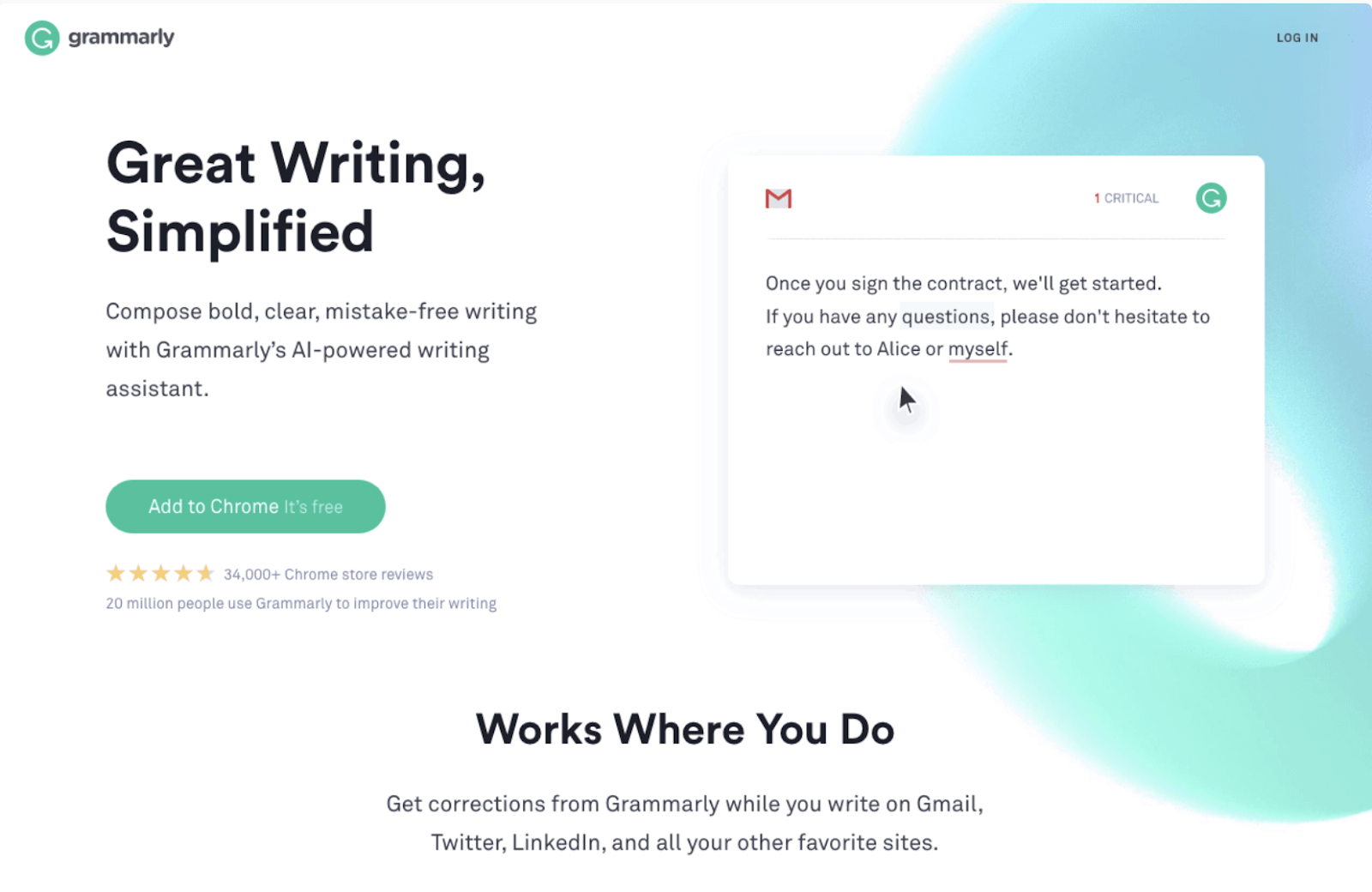
Grammarly: Best for real-time evaluation
Provides instant plagiarism checks while writing, highlighting issues as you type.
GPTZero: Best for human vs. AI detection
Specializes in detecting AI-generated content with detailed analysis.
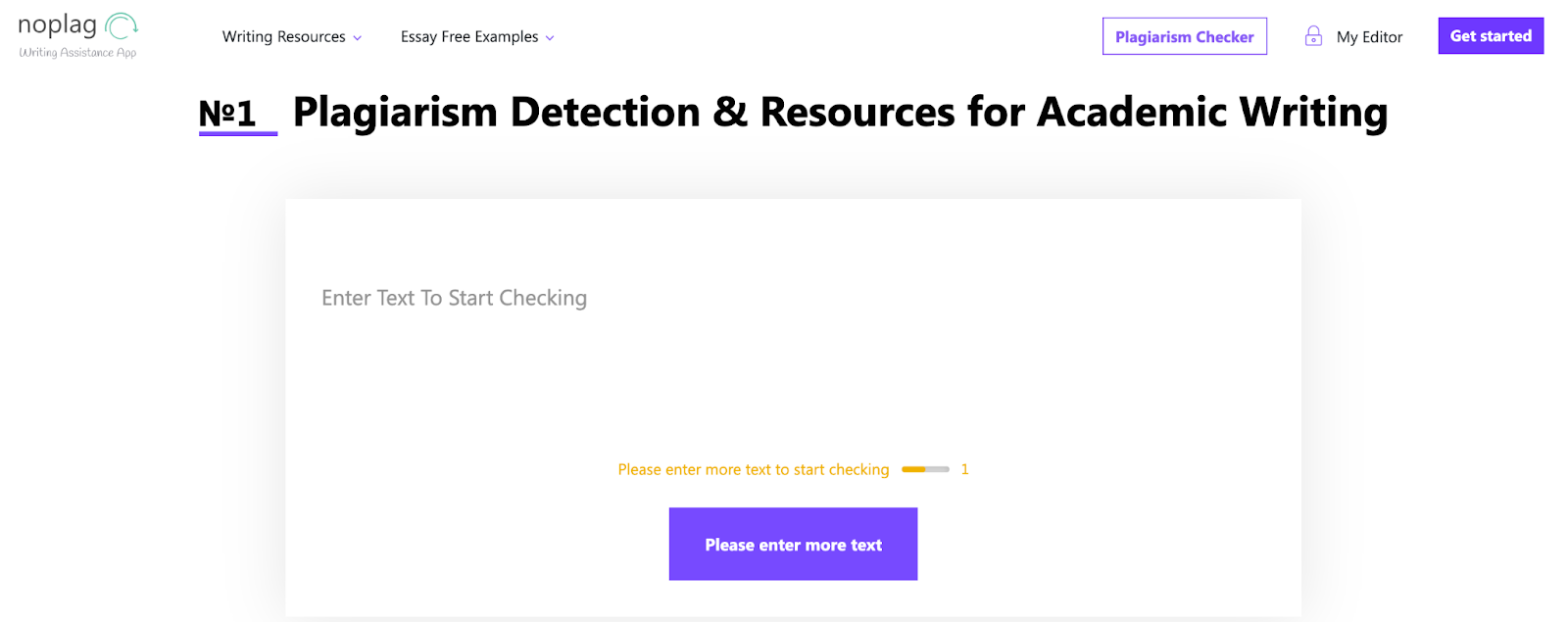
Noplag: Best for citation assistance
Helps with proper citations while checking for potential plagiarism.
Plagiarism Checker X: Best for online resources
Offers comprehensive checks across websites, articles, and documents.
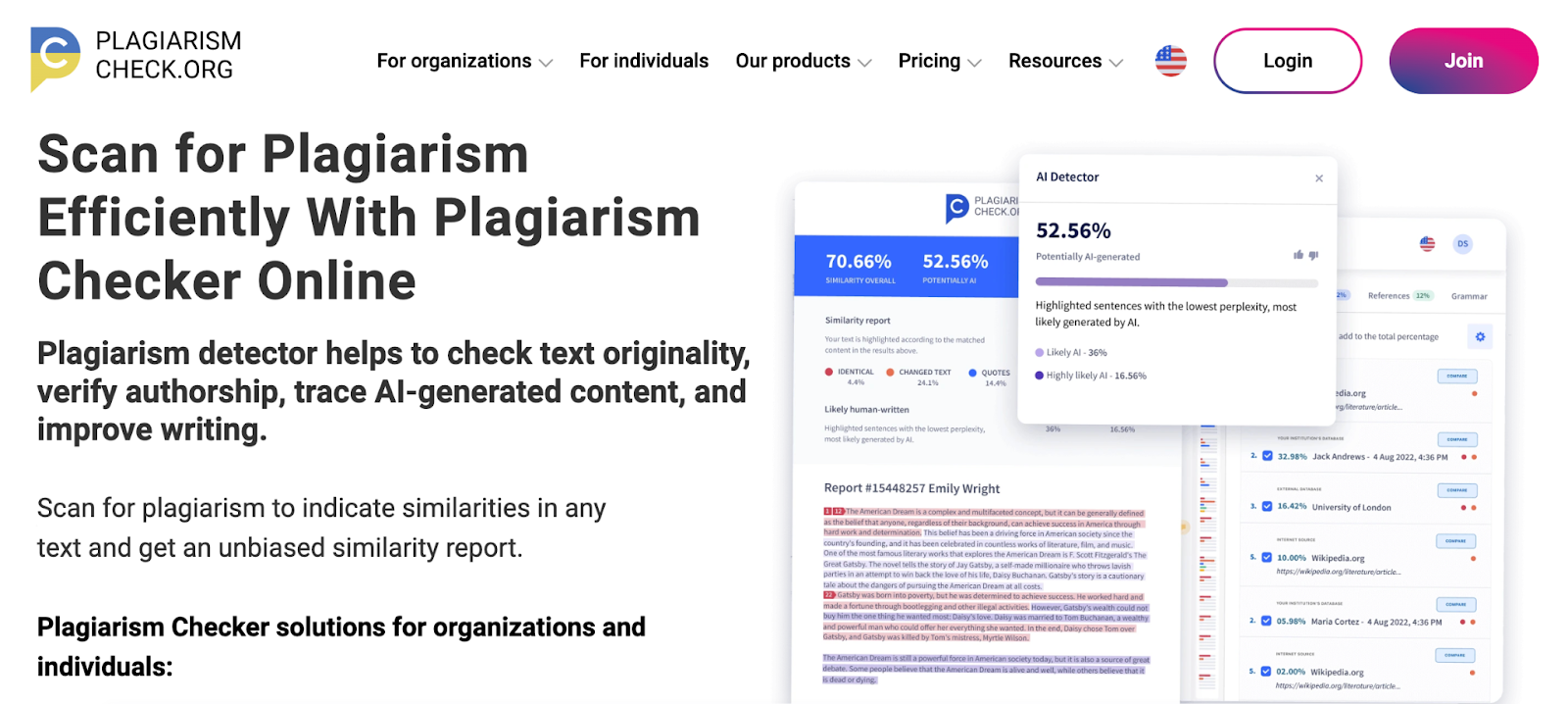
PlagiarismCheck.org: Best for academic plagiarism detection
Uses extensive academic databases for thorough originality checks.
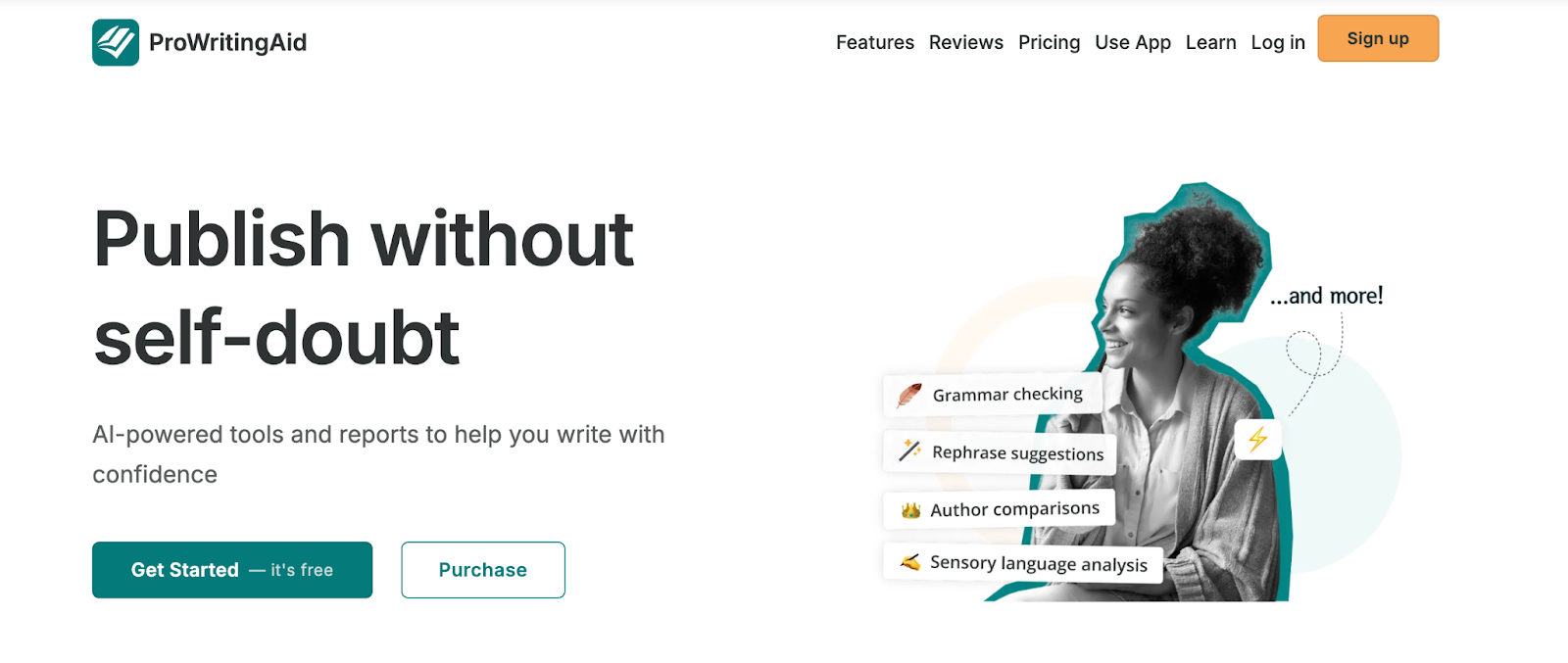
ProWritingAid: Best for plagiarism similarity report
Generates detailed similarity reports alongside grammar and style feedback.
WriterZen: Best for multilingual plagiarism check
Supports multiple languages, making it ideal for global content.
*The software list is arranged alphabetically. These tools offer free trials, free forever options, or freemium models.
If you feel overwhelmed by the wealth of information about the above list of free plagiarism checker software, this comparison table will help you with all the important aspects:
| Best free plagiarism checker software | G2 Rating | Free plan | Paid plan |
| Compilatio | 4.5 /5 ⭐ | Free trial available |
Contact the sales team for pricing
|
|
Feedback Studio (Turnitin)
|
4.4 /5 ⭐ | Free trial available |
Contact the sales team for pricing
|
| Grammarly | 4.7 /5 ⭐ | Free plan available |
Starting at $12/month
|
| GPTZero | 4.3 /5 ⭐ | Free version (AI detection only) |
Starting at $8.33/month
|
| Noplag | 4.2 /5 ⭐ | Free trial available |
Starting at
$72/year |
|
Plagiarism Checker X
|
4.3 /5 ⭐ | Free plan available |
Starts at $39.95 (one-time)
|
|
PlagiarismCheck.org
|
4.8 /5 ⭐ | Free trial available |
Starts at $69
|
| ProWritingAid | 4.5 /5 ⭐ | Free plan available |
Starts at $10/month
|
| WriterZen | 4.7 /5 ⭐ | 15-day free trial |
Starts at $150 one-time
|
*All pricing details mentioned in the article are based on publicly available data at the time of publication and are subject to change.
The global demand for plagiarism detection keeps growing as businesses, educators, and creators rely more on accurate content verification to guide decisions. The market for plagiarism detection and content-integrity software was valued at about $1.16 billion in 2024 and is projected to nearly double by 2033.
Whether it’s understanding customer sentiment, validating product ideas, or gathering employee feedback, these tools have become essential for teams across industries.
And from what I’ve seen, “best” doesn’t always mean “paid.” Some free survey platforms I’ve tried delivered impressive functionality — helping me collect cleaner data, analyze responses faster, and understand my audience without stretching my budget.
To build this list, I began with G2 data, shortlisting top-rated tools based on their G2 scores and consistent performance in the free plagiarism checker software category.
From there, I reviewed product specs and recent, verified user feedback to confirm that these products deliver real value and to understand where each one stands out.
The goal was simple: to see whether these tools are as good as they claim, what each one is best for, and whether there’s a free version or free trial you can try with minimal risk. And because this is a free-focused list, I paid extra attention to what you can actually do without paying — such as whether the free tier includes core features, how long the free trial lasts, and what limitations might prompt you to upgrade.
The screenshots featured in this article may be a mix of those taken from the vendor’s G2 page or from publicly available materials.
The product list below contains real user reviews from the best free plagiarism checker software category page. It’s important to note that in the context of this list, vendors offering a free trial are also considered free. To be included in this category, a solution must:
This data was pulled from G2 in 2025. Some reviews may have been edited for clarity.
Compilatio is widely used by educational institutions to prevent and check for plagiarism. In addition to similarity checks, it evaluates students' adherence to writing and citation guidelines and provides tools for raising awareness and training regarding intellectual property. Moreover, Compilatio can be integrated with various LMS and offers an open and customizable API to simplify the plagiarism detection process.
| Pros of Compilatio |
Cons of Compilatio
|
| Easy to use |
Doesn’t show the exact plagiarized lines clearly
|
| Good plagiarism detection |
Can miss subtle plagiarism
|
| Works well for institutions |
Reports are less detailed than competitors '
|
“Compilatio's seamless integration with various educational platforms streamlines plagiarism detection and ensures a more efficient workflow for educators and students alike. Additionally, it's easy to use and implement in a few steps.”
- Compilatio Review, Abhishek R.
“It sometimes produces false positives, flagging common phrases or properly cited content as plagiarism. The pricing may also be a bit high for smaller institutions or individual users.”
- Compilatio Review, Sobia K.
Interested to find out how Compilatio measures up against other solutions? Explore the top 10 alternatives to Compilatio.
Feedback Studio (Turnitin) plagiarism detection software shines in academic institutions. It checks students' work for potential plagiarism and generates similarity reports. Educators have made it popular for its help in encouraging proper citation practices and maintaining academic integrity.
| Pros of Feedback Studio |
Cons of Feedback Studio
|
| Very large database |
Weak against paraphrasing
|
| Highly accurate for academic work |
Not available for individuals
|
| Trusted in universities |
Can be slow with big files
|
“It’s simple to use, flags any plagiarized text immediately, and generates reports up to 40 pages long while still detecting copyrighted material, including AI-generated content.”
- Feedback Studio (Turnitin) Review, Mohit G.
“Like most technologies, it's not going to catch everything. Plus, some flagged assignments might be legitimate student work, so double-check, especially if multiple students were allowed to work together to create a thesis or topic sentences.”
- Feedback Studio (Turnitin) Review, James T.
Can't decide between Feedback Studio and GPTZero? Check out our side-by-side comparison of Feedback Studio and GPTZero to discover which option fits you best.
Grammarly is a cloud-based writing assistant that checks grammar, spelling, punctuation, and plagiarism. It also offers suggestions for clarity and engagement. Grammarly easily integrates with various platforms, so you can polish your writing wherever you work.
According to G2 data, it is used by 53% of small businesses and 34% of mid-market businesses, which speaks to its ease of use and broad accessibility.
| Pros of Grammarly |
Cons of Grammarly
|
| Easy to use |
Weak plagiarism detection
|
| Great grammar/style checker |
Misses paraphrased matches
|
| Works across devices |
Basic plagiarism info only
|
“I like Grammarly Business because it helps me improve my written communication in various ways, such as identifying and correcting grammar and spelling errors, detecting plagiarized content, and providing suggestions for improving tone and style. It's also user-friendly and integrates well with other commonly used tools, making it a convenient and effective writing assistant for teams and individuals.”
- Grammarly Review, Gokul V.
“The plagiarism checker tool needs to be more sensitive for us to rely on it as our sole tool.”
- Grammarly Review, Julia D.
Interested to find out how Grammarly measures up against other solutions? Check out the top 10 Grammarly alternatives.
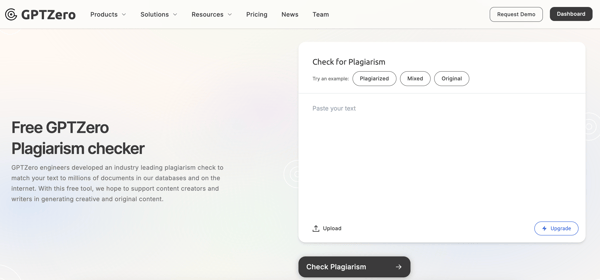
GPTZero is an AI detector that can classify text from models like ChatGPT, Gemini, Claude, and Llama. It also provides plagiarism detection features, examining written text for plagiarism and presenting results as a percentage of similarity. Furthermore, it cites the sources from which the text may have been copied.
| Pros of GPTZero |
Cons of GPTZero
|
| Detects AI-generated text |
False positives common
|
| Gives detailed scoring |
Struggles with paraphrasing
|
| Good for educators |
Non-native writing flagged
|
“GPTZero is really user-friendly. With a single click, I can tell if the text is AI-generated. Deep scanning and plagiarism detection are also quite important capabilities, but the writing analysis tool is my personal favorite. Additionally, if I ever have any issues or need help with my account, contacting customer support is quick and simple.”
- GPTZero Review, Shahrukh S.
“Plagiarism detection is not available in the free version or essential version, but only available in the premium.”
- GPTZero Review, Verified User in Writing and Editing
Can't decide between GPTZero and Grammarly? Check out our side-by-side comparison of GPTZero and Grammarly to discover which option fits you best.
Noplag is a versatile writing assistant with plagiarism detection at its core. It helps with essays, articles, dissertations, research papers, book reviews, and case studies. Access Noplag via web browser, mobile app, or desktop app. Its key features include customizable plagiarism detection settings, an online editor with integrated grammar and style checking, citation support, and template writing.
| Pros of Noplag |
Cons of Noplag
|
| Fast checking |
Smaller database
|
| Simple interface | Web-based only |
| Useful extra writing tools |
Few independent reviews
|
“It’s very easy to use, and has an intuitive user interface and a great customer support team. It easily identifies plagiarism.”
- Noplag Review, Charles N.
“Noplag is text-based and can’t detect plagiarism in non-text content.”
- Noplag Review, Sanjeev K.
Can't decide between Noplag and ProWritingAid? Check out our side-by-side comparison of Noplag and ProWritingAid to discover which option fits you.
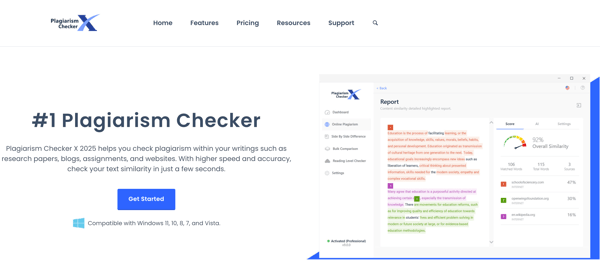
Plagiarism Checker X is a plagiarism detection platform, popular among students, teachers, writers, and digital marketers. It offers several features, including multi-language support, side-by-side similarity check, readability check, comprehensive reports, and user privacy protection, which make it easy to identify plagiarized text and create better content.
| Pros of Plagiarism Checker X |
Cons of Plagiarism Checker X
|
| Affordable |
Slower with long files
|
| Multi-language support | Not cloud-based |
| Detailed color-coded reports |
Uses more system resources
|
“Its user-friendly interface, combined with the detailed review of text, is something that really comes in handy when running a plagiarism check on lengthy pieces of text.”
- Plagiarism Checker X Review, Vineet S.
“Sometimes the plagiarism percentage varies on each check.”
- Plagiarism Checker X Review, Sarwat F.
Thinking about Plagiarism Checker X and Copyleaks Plagiarism Checker? Check out our side-by-side comparison of Plagiarism Checker X and Copyleaks Plagiarism Checker to discover which option fits you.
PlagiarismCheck.org is an essay checker that educators in K-12 and higher education use to detect plagiarism. It compares submitted text against a vast database of sources, such as academic papers, web pages, and publications. It also integrates with various educational tools and has options for customization to suit institutional requirements.
| Pros of PlagiarismCheck.org |
Cons of PlagiarismCheck.org
|
| Detailed color-coded reports |
Uses more system resources
|
| Detects plagiarism + AI |
AI detection imperfect
|
| Good for academic + SEO use |
May miss paraphrased text
|
“Having a Google Chrome Extension saves time and allows me to check everything right in the browser window. Our content is protected from any kind of plagiarism and AI tricks.”
- PlagiarismCheck.org Review, Tanya P.
“Wish there was a mobile app because sometimes a crisis happens unexpectedly when you are not near the desktop.”
- PlagiarismCheck.org Review, Andrew S.
Thinking about PlagiarismCheck.org and Plagiarism Checker X? Check out our side-by-side comparison of PlagiarismCheck.org and Plagiarism Checker X to discover which option fits you.
ProWritingAid comes with tools for grammar checking and plagiarism detection. It helps refine the voice and improve clarity by providing in-depth feedback on style, readability, and sentence structure.
| Pros of ProWritingAid |
Cons of ProWritingAid
|
| Custom databases supported |
Not 100% accurate
|
| Strong grammar/style help |
Weak plagiarism checker
|
| Integrates with Word/Docs |
Slow on long files
|
“Of the many editing programs I've tried, I found PWA the easiest and most thorough. I send all my manuscripts through it and depend on PWA to catch my errors and omissions. It works fast, and it not only fixes my writing, but I also learn from their hints. I can't think of another editing aid as efficient and easy to use.”
- ProWritingAid Review, David S.
“Being an artificial intelligence, it can't replace the human eye entirely. Some of the suggestions or corrections are simply wrong, and the program won't always get the small nuances of what you've written. You still need your own judgment and knowledge for a good number of suggestions.”
- ProWritingAid Review, Elli C.
Can't decide between ProWritingAid and PlagiarismCheck.org? Check out our side-by-side comparison of ProWritingAid and PlagiarismCheck.org to discover which option fits you.
WriterZen positions itself as a one-stop shop for SEO content creation, offering tools for topic discovery, plagiarism checking, keyword analysis, and writing assistance.
According to G2 data, 93% of its users are small businesses, highlighting its ability to enhance online brand presence and streamline everything from research to execution and project management with ease.
| Pros of WriterZen |
Cons of WriterZen
|
| Supports many file types |
Limited free tools
|
| Easy for SEO content | Small database |
| Simple UI |
Limited plagiarism depth
|
“WriterZen has been a great way for me to save time and still get the content I need. With their easy-to-understand features, I was able to find the keywords that I need to rank for in minutes. Plus, the plagiarism checker is a bonus! The UI is pretty, too. The direct data pulled from Google made it easier for me to visualize my ideas. Thank you for creating this wonderful tool!”
- WriterZen Review, Sara V.
“Some users have expressed concerns about WriterZen's pricing structure, which may be prohibitive for smaller businesses or individuals. Additionally, some users have noted that WriterZen's integrations with other tools are somewhat limited, which may be a drawback for those who rely on a wide range of software solutions. Finally, there is a bit of a learning curve to fully utilize all of WriterZen's features, which may be challenging for some users.”
- WriterZen Review, Huy T.
Can't decide between WriterZen and Noplag? Check out our side-by-side comparison of WriterZen and Noplag to discover which option fits you.
Marina and I also discovered some excellent tools during our research.
Free plagiarism checkers are good at spotting direct copying and text matches. However, they may not catch paraphrased or more subtle forms of plagiarism. Using a combination of tools, such as PlagiarismCheck.org for academic content and ProWritingAid for similarity reports, can increase accuracy.
Yes, most free checkers have limitations. These may include daily or word count restrictions, limited access to detailed reports, and occasional ads. For example, WriterZen allows multilingual checks but restricts the number of pages in the free version.
Accuracy varies depending on the tool. Feedback Studio (Turnitin) and PlagiarismCheck.org are highly reliable for academic and online content, while Grammarly and Noplag are best for quick or in-process checks. Combining tools can give a fuller picture of originality.
Consider what you need: real-time feedback, web comparison, academic checks, citation help, or multilingual support. Tools like Noplag help with citations, Plagiarism Checker X scans online resources, and WriterZen is suitable for multilingual content. Select a tool that aligns with your workflow and the type of content you work with.
When choosing a plagiarism checker, accuracy, comprehensive database coverage, clear reporting, and insightful analysis are essential.
Beyond that, I suggest you look for features that make your workflow smoother, such as user-friendly design, batch processing, and seamless integration with your preferred writing tools.
I've created this roundup to help you find the right tool so you can write confidently and efficiently.
Ensure your content is both engaging and compliant with AI content detection tools.
This article was originally published in 2024. It has been updated with new information.


Plagiarism isn’t an academic word that disappears once you graduate. Neither is it as simple...
by Harshita Tewari

Recently updatedFall 2026 Grid® Report · August 25, 2026 This guide was last updated on...
 by Sudipto Paul
How do you know if what you're reading was written by a person or a machine? \n
 by Alyssa Towns